TL;DR – Quick Start for First-Time Visitors
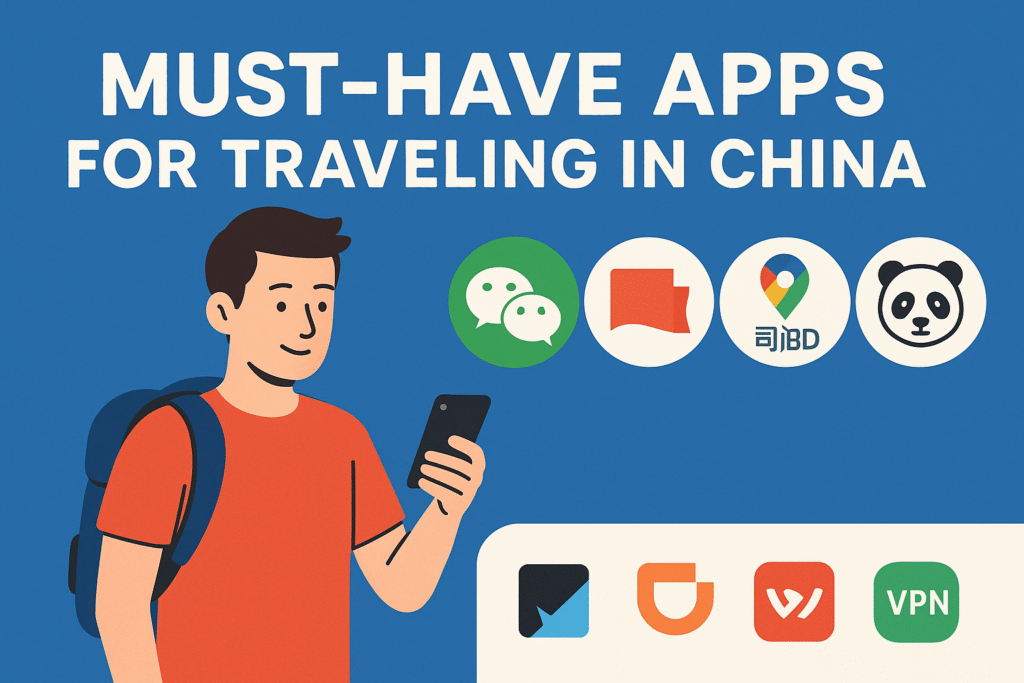
Planning your first trip to China? Here are the 5 essential apps you need to install before you go. These apps will help you get around, pay like a local, translate signs and menus, and stay connected with the world:
| App | What It’s For | Why You Need It |
|---|---|---|
| Messaging, payments, contacts | Everyone in China uses it – for chat, scanning QR codes, and paying at stores. | |
| Alipay | Mobile payments, transit passes | Easy-to-use wallet for foreigners. Works almost everywhere. |
| DiDi | Ride-hailing like Uber | Book taxis with English interface, pay with foreign cards. |
| Baidu Maps / Amap | Local navigation | Google Maps doesn’t work – these are your best bet. |
| VPN (PandaVPN/ExpressVPN) | Access Google, Instagram, WhatsApp | Needed to get around the Great Firewall. Install before arrival. |
How These Apps Work for Foreigners:
- ✅ WeChat & Alipay now support international cards and passport registration. Foreigners can use them for cashless payments.
- ✅ DiDi can be used entirely in English with a foreign phone number and card.
- ✅ Baidu Maps/Amap provide navigation without registration; Amap includes partial English support.
- ✅ VPN apps must be downloaded before arrival to access blocked services like Gmail, WhatsApp, Google Maps.
👇 Scroll down for step-by-step setup instructions tailored for non-Chinese travelers using international phone numbers and passports.
1. WeChat (微信)
Why You Need It: WeChat is the backbone of Chinese digital life. Locals use it to message, pay, and connect – and so should you.
How to Set Up WeChat as a Foreigner:
- Download the app: iOS | Android
- Register with your international phone number. Choose your country code and enter your number.
- Verification challenge: You will be prompted to complete a CAPTCHA and accept the privacy policy.
- Friend verification step: WeChat may ask an existing user to scan a QR code from your screen. The user must:
- Have had a WeChat account for more than 6 months.
- Be in good standing (no recent violations).
- Not have verified more than a few people recently. If you don’t know anyone, try joining travel forums or asking hotel staff upon arrival.
- Enter SMS code to complete sign-up.
- Set up WeChat Pay:
- Tap “Me” → “Services” or “Wallet” → “Cards” → Add card.
- Enter your international card (Visa/Mastercard) and passport number.
- Verify with an SMS sent from your card’s issuing bank.
- Set a 6-digit payment PIN.
Top Uses:
- Add friends via QR codes
- Chat with hosts, local contacts, or other tourists
- Pay at shops and restaurants with WeChat Pay QR
2. Alipay (支付宝)
Why You Need It: Alipay is another top digital wallet in China. As a foreigner, you can use international cards or load money into a Tour Pass wallet.
How to Set Up Alipay as a Foreigner:
- Download the app: iOS | Android | Global Site
- Register: Use your non-Chinese number. You’ll get an SMS to verify.
- Switch to International Mode if not auto-detected. This sets the UI language to English.
- Add international bank card:
- Go to “Me” → “Bank Cards” → “Add Card”.
- Input your Visa/Mastercard details and passport number.
- Verify with your bank’s SMS OTP.
- Tour Pass Alternative:
- In Alipay, search “Tour Pass”.
- Choose amount (e.g., ¥500, ¥1000) to load from your card.
- Valid for 90–180 days, accepts most purchases across China.
Top Uses:
- QR payments for food, transport, markets
- Use as backup if WeChat Pay fails
- Easy refund of unused Tour Pass balance to card
3. DiDi Chuxing (滴滴出行)
Why You Need It: DiDi is like Uber in China. It lets you call a ride with an English interface.
How to Set Up DiDi as a Foreigner:
- Download the app: iOS | Android
- Register with international number. You’ll receive an SMS to verify.
- Enable English mode (auto-detected from your phone language).
- Add payment method:
- Visa/Mastercard supported.
- Or link WeChat Pay / Alipay directly from within DiDi.
- Add passport info when prompted (for legal compliance).
Top Uses:
- Book private cars or metered taxis
- Chat with drivers using built-in translation
- Avoid language barrier or overcharging
4. Baidu Maps / Amap (Navigation)
Option 1: Baidu Maps (Detailed, Chinese only)
Option 2: Amap / Gaode (English-friendly alternative)
Why You Need It: Google Maps is blocked. These apps provide accurate navigation, transit, and walking directions.
Setup Tips:
- Download:
- No registration needed for basic usage
- Use Google Translate camera mode to interpret map labels or directions
- Save Chinese addresses or screenshots in advance
5. VPN (ExpressVPN or PandaVPN)
Why You Need It: To access Google, Gmail, YouTube, Instagram, WhatsApp, and other blocked services. VPNs bypass China’s Great Firewall and are essential for staying connected to the world.
Recommended VPNs:
- ExpressVPN – Widely used, high reliability, easy to set up.
- PandaVPN – A popular, beginner-friendly VPN known for high speeds and strong privacy; great option for travelers inside China.
How to Set Up PandaVPN as a Foreigner:
- Visit PandaVPN Official Site before your trip.
- Create an account (no personal information required) and choose a subscription plan.
- Download the PandaVPN app for iOS, Android, Windows, or macOS.
- Use the login credentials provided after purchase (username is a numeric ID).
- Connect to a recommended foreign server (Japan, Singapore, or the US work well).
- PandaVPN supports Smart Routing and a kill switch for secure browsing.
ExpressVPN Setup Guide:
- Official Site
- iOS | Android
- Install and log in before your trip.
- Choose a nearby server for best speed and reliability.
Tips:
- Always install VPN apps before entering China, as most VPN websites and app stores may be restricted inside the country.
- VPN use is common for travelers, but not officially encouraged—use discreetly.
- Disconnect VPN temporarily when using local apps (e.g., Alipay, DiDi) if performance issues occur.
Bonus Tools
- 🈶 Pleco – Offline Chinese-English dictionary
- 📷 Google Translate – Use camera to translate menus/signs
- 🧭 MetroMan – Subway navigation for major cities
- 🛫 Trip.com App – Book train and plane tickets with foreign cards
Final Travel Tips
- Set up at least one mobile wallet (WeChat or Alipay) with card or Tour Pass
- Keep RMB cash on hand for emergencies
- Install apps and test logins before flying to China
- Save addresses in Chinese and English
- Use screenshots for your hotel info, QR codes, and tickets
You’re now ready to travel smart, pay effortlessly, and enjoy China like a seasoned explorer 🇨🇳